Creating a World
Launching the Editor
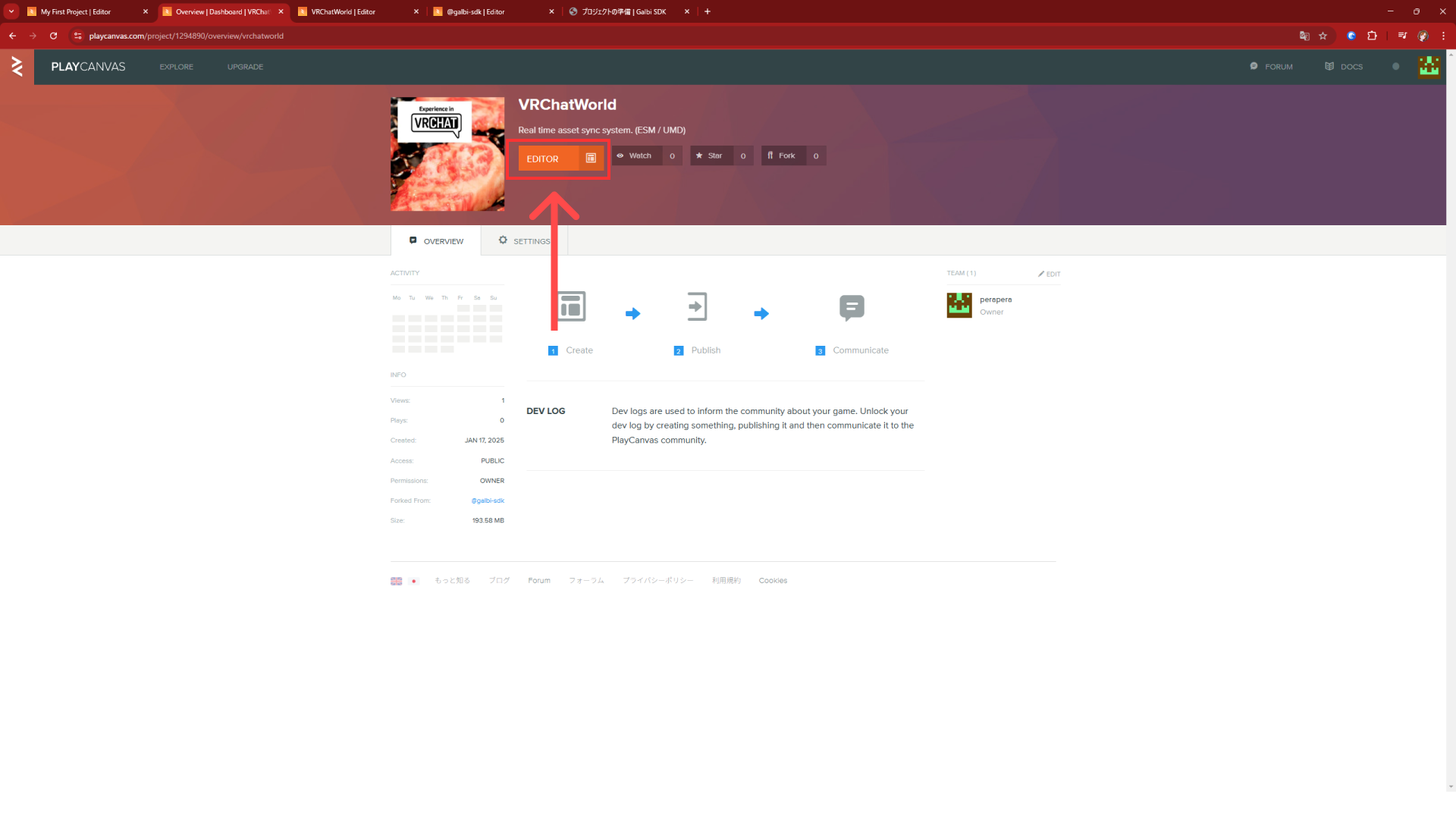
From the project page you just forked, click "EDITOR" to
launch the editor.
Launch Template Project
In this project, we will introduce how to create a project.
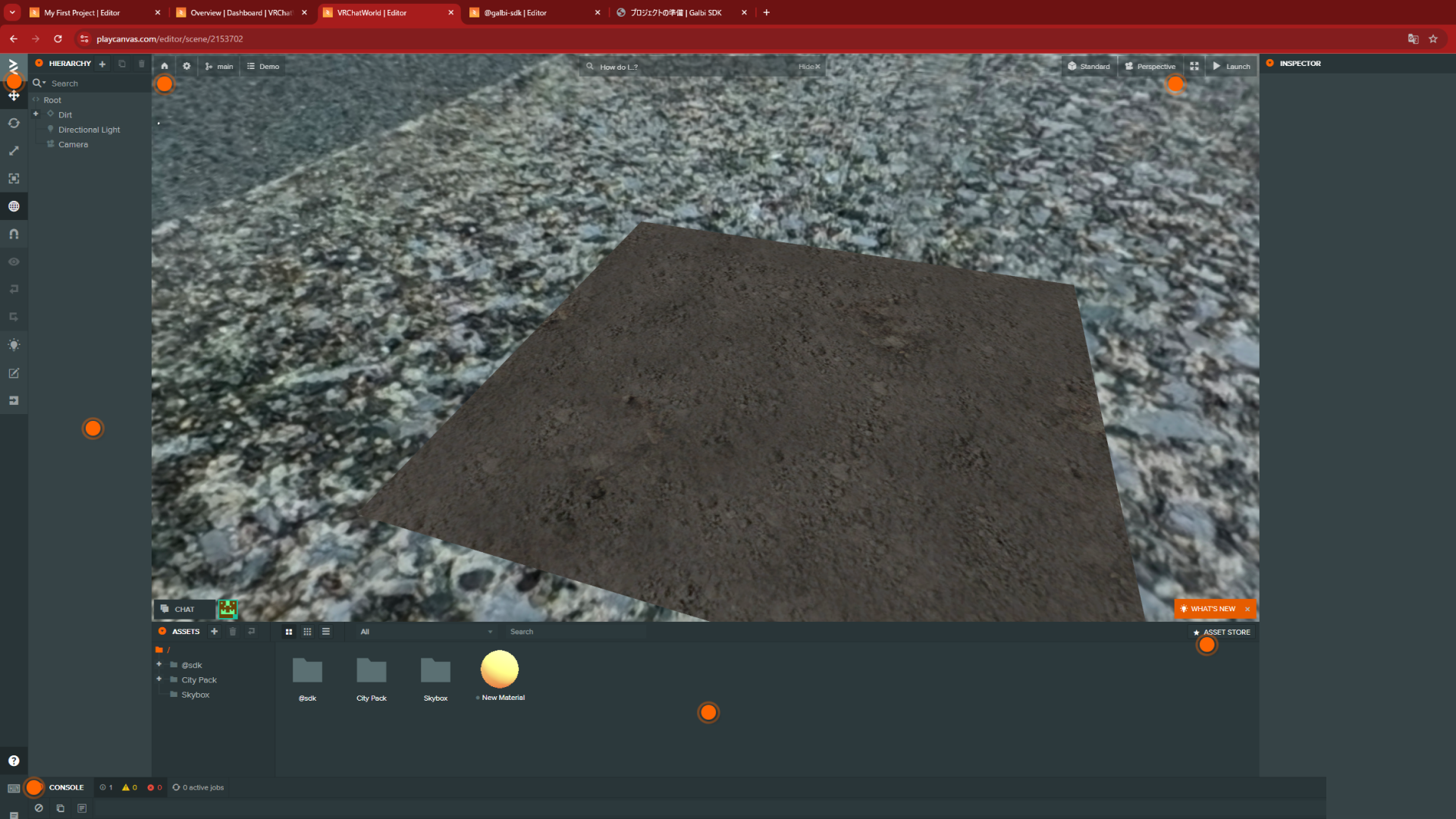
Click the "Launch" button.
Starting the Project
When you start the project, you'll see a screen like this. From here, generate a URL to prepare synchronization.
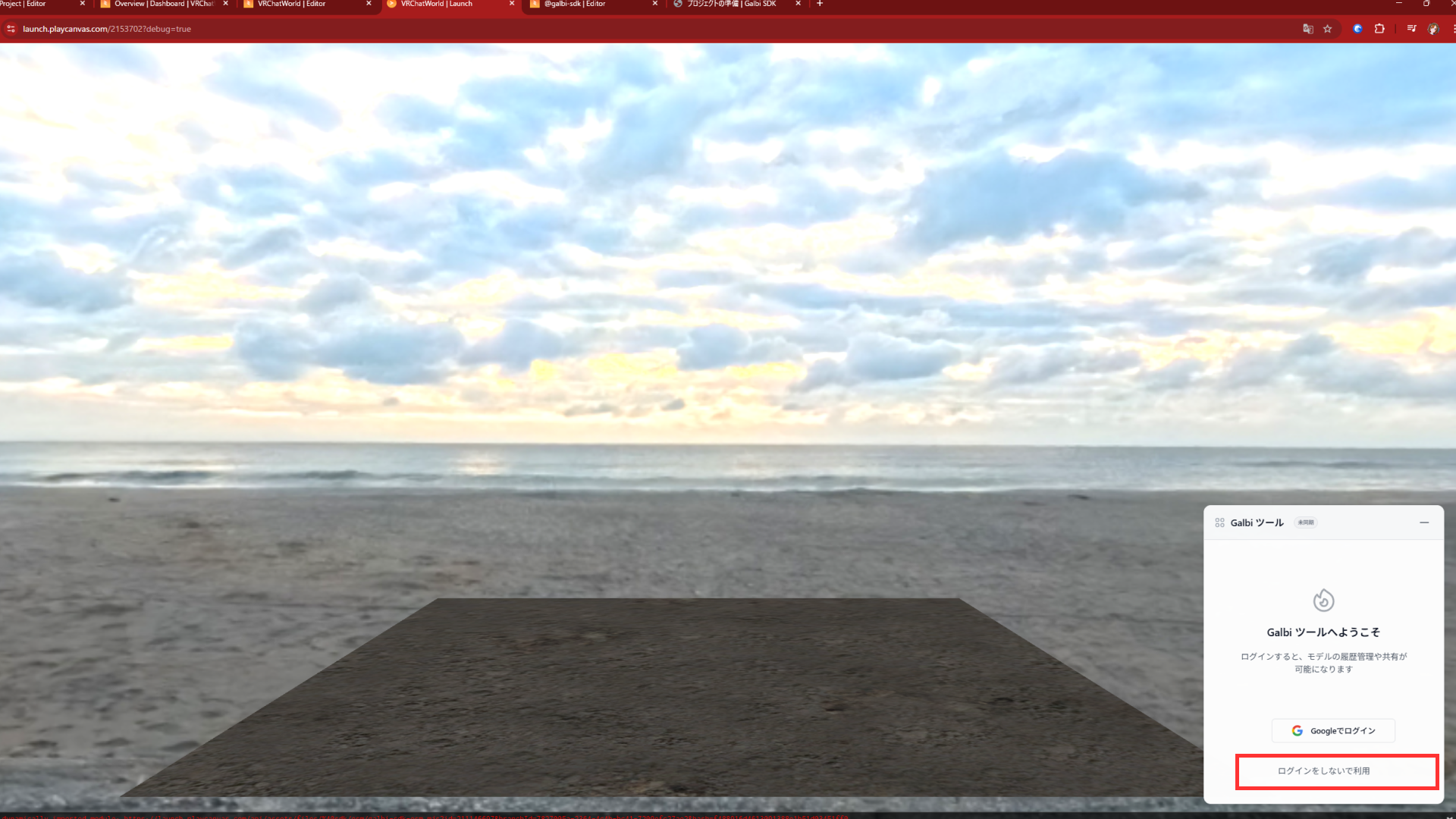
Get URL
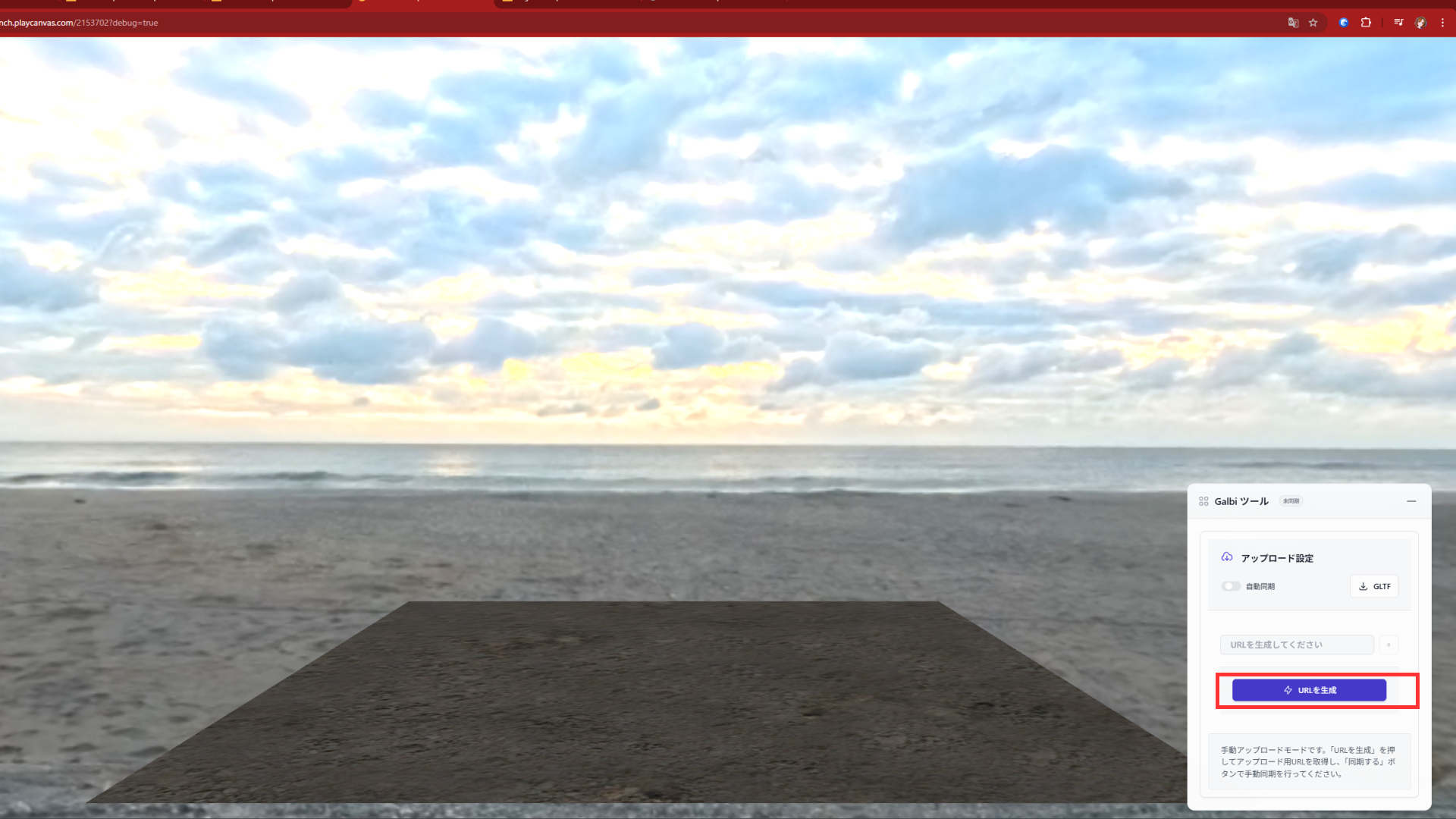
Click "Generate URL".
About Synchronization
There are two ways to synchronize.
1. Manual Synchronization
Click the "Sync" button. This will synchronize the current scene to the URL. 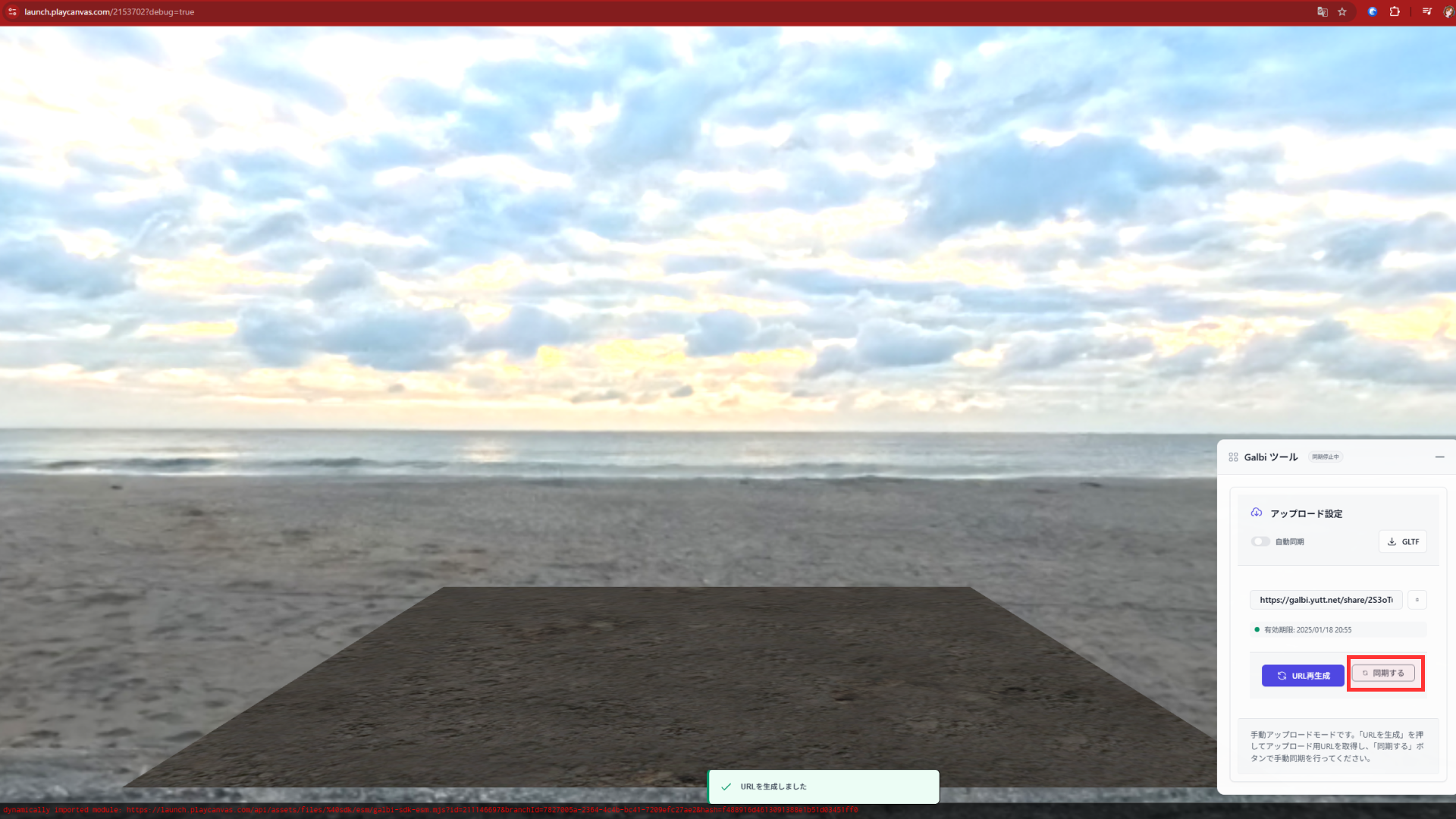
2. Auto Synchronization
Using auto-sync, you can automatically reflect scene changes to the URL. 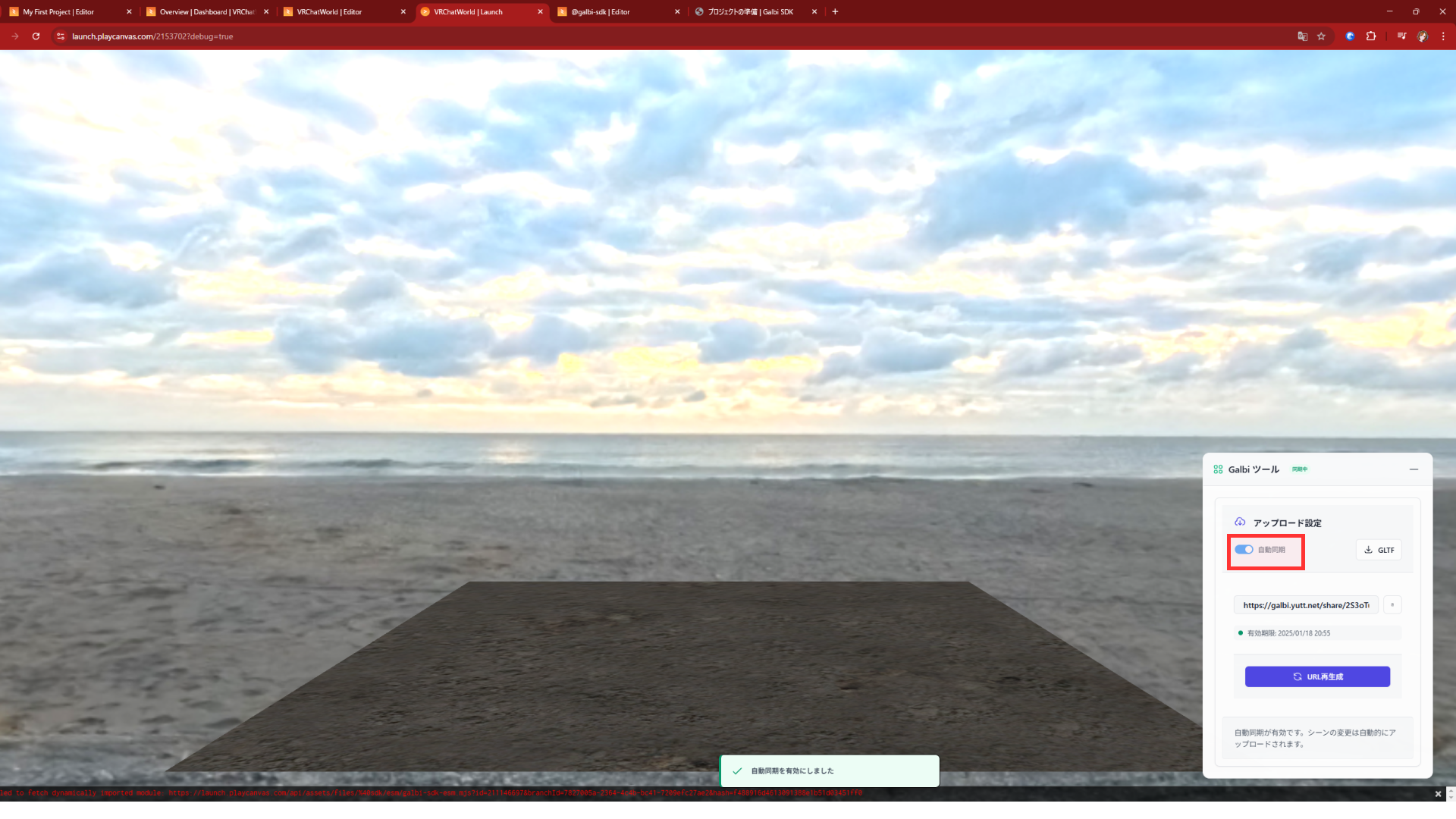
Then copy the URL.
Next, we'll show you how to load it in VRChat.